My Tracfone: Account Manager
- 3.1
- Rating
- 5.00M
- Installs
- Free
- Price

 Analysis by App-foxy
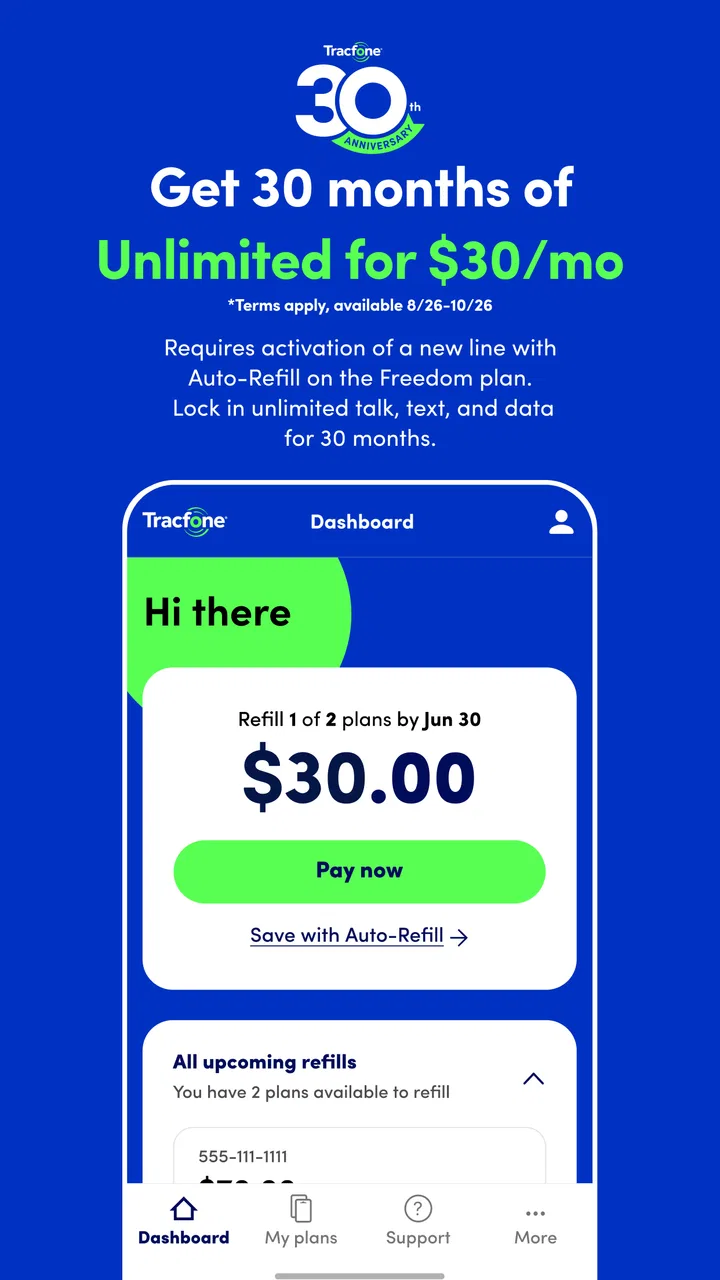
I spent time with My Tracfone: Account Manager as a practical companion for TracFone service, rather than treating it like a general communication app. Its job is focused: help customers keep an eye on their prepaid wireless account and handle routine account tasks from a phone. That narrow purpose is also the key to understanding it. This is not a replacement for messaging, calling, or video-chat apps. It is an account-management tool for people who already use TracFone and want a more convenient way to stay on top of their service.
The app is free to install, and it is listed for Everyone, so the basic decision is not whether to pay for the app itself. The more important question is whether managing a TracFone account from a mobile screen is useful enough for your routine. In my experience, the answer depends heavily on how often you need to check service details, handle prepaid-plan tasks, or avoid reaching a browser or customer-support channel.
How My Tracfone fits into prepaid phone management
TracFone Wireless, Inc. develops the app, which has been available since October 17, 2013. It has grown into a widely used communication utility, with over five million installs. That reach makes sense because prepaid customers often need a simple place to manage service without signing a long-term contract. The app’s store summary emphasizes no-contract prepaid phone plans and smartphones, while its short description is simply “My Tracfone.”
You May Also Like

 Blood Strike: 2.5 Anniversary
Blood Strike’s Loadouts Turn Every Drop Into a Tactical Gamble
A close look at Blood Strike’s custom loadouts: how fast access to signature weapons reshapes its battle royale rhythm, rewards preparation, and narrows the gap between fights.

 Pandora - Music & Podcasts
Pandora’s Music Is Easy to Start, but Harder to Recover
Pandora’s strength is its low-effort path from a seed to a station. Its weak spot is how much confidence it asks you to place in connection, setup, and quiet recovery.

 8 Ball Pool
 Is Built on Rivalries, Rematches, and Routine
A close look at the rivalries, rematches, shared routines, and unanswered safety questions that turn a quick pool match into a persistent mobile community.

 Samsung Music
’s Quiet Strength Is Playing What You Already Own
Its reach comes less from spectacle than from dependable access to a personal library. That simplicity is both the app’s strongest retention engine and its ceiling.

 AccuWeather: Weather Radar
AccuWeather Review: A Quick, Clear Forecast for Everyday Decisions
For everyday plans, the best forecast is the one you can understand quickly. AccuWeather makes rain timing, radar, and local conditions easy to act on, with a few trade-offs.

 Hill Climb Racing
Why Hill Climb Racing Still Turns Crashes Into One More Run
A tiny car, a bumpy hill and one more upgrade: Hill Climb Racing keeps resurfacing because its simple chaos makes every near-miss feel personal.
More From Our News Desk



That wording matters because the application is best understood as a customer portal in mobile form. When I open an account-management app like this, I am not looking for a social feed or a new way to contact friends. I want a quick route to the information and actions connected to my wireless service. The value comes from reducing small bits of friction: checking an account before leaving home, reviewing service details while away from a computer, or dealing with a prepaid phone when a renewal decision is due.
The app belongs in the communication category, but that label can be slightly misleading if you expect communication features in the usual sense. It supports the management of a phone service account; it is not designed to replace the phone’s dialer, text-message app, email, or popular chat services. That distinction should be clear before downloading it.
Compatibility is also relatively approachable. The current version is R27.1.1, and the listed minimum operating system is Android 7.0. For someone using an older Android phone that still meets that requirement, this can be a more realistic option than many newer apps with stricter system demands. On the other hand, anyone using an unsupported device will need to manage the account another way rather than assuming the app will work on every Android phone.
What the free price actually means
There is no charge to download the app. That makes it easy to try without committing money to the account-management experience itself. However, free access to the app should not be confused with free wireless service. The application helps manage TracFone service, while the underlying phone plan, smartphone purchase, or prepaid usage is a separate consideration.
This distinction is important when judging value. I would not describe the app as a way to obtain free calls, messages, or mobile data. Its financial value is indirect: it can make an existing TracFone account easier to monitor and manage. The app does not turn a prepaid plan into a no-cost plan, and installing it does not remove the normal cost of maintaining wireless service.
For a current TracFone customer, free installation makes the experiment low-risk. You can see whether the account tools fit your habits without paying an additional app fee. For someone who does not use TracFone, the lack of an app price is not enough reason to install it. The service relationship is the central requirement, not the download itself.
I also think prepaid users should separate two decisions: choosing a carrier and choosing the carrier’s account app. A plan may suit your budget or coverage needs while the companion app feels merely adequate. Conversely, a polished account screen cannot compensate for a wireless plan that does not match your usage. My Tracfone can add convenience to a TracFone account, but it should not be the main reason to choose the service.
The everyday tasks where it earns its place
The strongest use case is the ordinary, slightly annoying moment when you need account information quickly. Imagine you are preparing for a trip and want to check your prepaid service before leaving. Instead of finding a laptop, remembering a web address, or searching through old messages, you can try the account app first. That is a modest benefit, but these small moments are exactly where a mobile account manager can be worthwhile.
Another useful scenario is managing a phone used by a family member. If you are responsible for keeping a relative’s prepaid service active, having an account tool on your own phone can be more convenient than relying on the handset that uses the service. It gives the account manager a dedicated place to begin routine checks, rather than mixing carrier tasks with the phone’s regular communication apps.
A third practical insight is to use the app as a pre-support checkpoint. Before contacting TracFone, I would open the account manager and review the information available there. This can help you identify whether the issue is related to account status, plan timing, or something that clearly requires assistance. It will not eliminate every support problem, but it may prevent an unnecessary call caused by overlooking a basic account detail.
The app is also more useful when treated as a habit instead of an emergency tool. Checking it at a sensible point in your prepaid cycle can help you make decisions before service becomes urgent. The exact timing depends on your plan and personal usage, so I would not rely on a fixed calendar routine for everyone. The broader lesson is to check early enough that you still have time to act if something needs attention.
Where the experience may feel limited
The rating sits at a 3.3 average from around 55 thousand ratings, with roughly 20 thousand written reviews. That is a mixed reception rather than a clear endorsement. I read that as a useful warning: the app may solve the basic account-management problem for some customers while still producing frustration for others. A free app can be valuable, but free does not mean frictionless.
The first trade-off is scope. Because this is a TracFone account manager, it is not a universal dashboard for accounts from other carriers. If your household uses several providers, you will not get one neutral control center for all of them. You may need separate carrier apps or browser portals, which weakens the convenience for people who manage a mixed set of phone lines.
The second trade-off is that an account app adds another login and another place to remember how your service is organized. That can be worthwhile for frequent users, but it may feel unnecessary if you only interact with your carrier occasionally. Someone who prefers handling everything through a browser, phone support, or a retail location may not gain much from installing a dedicated app.
The third trade-off is expectation management. A mobile account screen can show or organize service information, but it cannot solve every network, device, billing, or activation problem by itself. If your concern is poor reception, a damaged phone, or a complicated account dispute, an account manager may be only the first step. I would use it to gather context, not assume that every issue can be completed inside the app.
There is also a practical privacy consideration that applies to any carrier account tool: the phone becomes a convenient doorway to sensitive service information. I would keep the device protected with its normal lock and avoid signing in on a shared phone unless I was comfortable with the account remaining available there. This is not a special claim about the app’s permissions or policies; it is simply sensible account hygiene for a wireless-management application.
Three ways to get more value from it
My first tip is to install it before you urgently need it. Downloading an account manager during a service problem is poor timing because you may be dealing with stress, a low battery, or limited connectivity. Setting it up while the phone is working normally gives you a chance to learn where the important account information appears and whether the sign-in process suits you.
My second tip is to use it alongside, not instead of, your own renewal awareness. Prepaid service is easier to manage when you know roughly when you need to review it. The app can be a convenient checkpoint, but I would still keep a personal reminder or note if missing a renewal would create a serious problem. Relying on one app as the only memory aid is a weak workflow.
My third tip is to separate account questions from device questions. If the concern is whether the service account is active or what action is needed, begin with the manager. If the concern is a broken screen, a weak battery, or a phone setting, move to the device’s own tools. This simple separation can save time because it prevents repeatedly searching the carrier app for a hardware solution.
A fourth insight is especially useful for people helping someone else: decide who should own the account access before installing the app. If one person pays for service but another person carries the phone, unclear ownership can lead to confusion later. Establishing which device and credentials are used for management makes the app more useful in family situations and reduces the chance of making changes from the wrong account.
Who is likely to appreciate it most
I would recommend trying it first if you already use a TracFone prepaid plan, prefer handling routine tasks from Android, and want a direct account-management route on your phone. It is particularly sensible for people who are away from a computer often, manage service for a family member, or simply dislike searching through a carrier website every time they need account information.
It can also suit users who want to keep their wireless spending and service decisions separate from general communication apps. The focused design is a benefit here. You are not opening a social platform or a messaging service just to reach carrier information. You are opening a tool built around the TracFone relationship.
People who should probably skip it are those who do not have TracFone service, those who use an Android version below the listed minimum, and those who rarely need account access. I would also hesitate to recommend it as a deciding factor for someone comparing carriers. The app may improve convenience after choosing TracFone, but it does not answer the larger questions about coverage, plan suitability, phone quality, or total service cost.
If you are comparing it with the usual alternatives, the choice is straightforward. A carrier website is often better for someone who prefers a larger screen or already manages several accounts in a desktop browser. Customer support may be better for unusual problems that require explanation. A retail visit may be preferable when you need hands-on help with a device. My Tracfone is strongest in the middle ground: routine account checks and straightforward management from a phone.
My final value judgment
After weighing the free download against its focused purpose, I see My Tracfone as a useful convenience rather than an essential app. It delivers the most value when you are already a TracFone customer and frequently need a mobile doorway to your account. In that situation, the absence of an extra app charge makes it worth trying, especially if the browser route feels inconvenient.
I would not install it expecting a complete communications suite, a universal carrier manager, or a solution to every service problem. Its value is narrower and more practical. It can help organize the customer side of prepaid wireless service, but the quality of your overall experience still depends on the plan, phone, network, and support situation around it.
My recommendation is to try it if you manage TracFone service regularly, but skip it if you only want a messaging or calling app. The 3.3 average suggests keeping expectations realistic, while the app’s free price means you can judge its usefulness on your own device without paying for the test. For the right customer, that is enough to make it a sensible account tool; for everyone else, the standard browser or support options may be simpler.
In short, I would keep it installed only if it saves me repeated effort. If checking the account from my phone becomes quicker than using the usual alternatives, it earns its place. If I rarely need those tasks or find the account workflow awkward, there is no paid purchase to justify and no reason to force it into my routine. That makes the decision refreshingly practical: download it for the TracFone account convenience, not for promises beyond that job.
FAQs for My Tracfone: Account Manager
01What features does the My Tracfone: Account Manager app offer?
The My Tracfone: Account Manager app provides users with the ability to easily manage their Tracfone accounts on-the-go. Features include checking account balances, viewing service end dates, purchasing airtime, and tracking usage. Additionally, users can update their profiles, enroll in auto-refill, and access customer support directly from the app.
02Is the My Tracfone app compatible with all devices?
The My Tracfone: Account Manager app is compatible with most Android and iOS devices. It requires a minimum operating system: Android 5.0 or iOS 11.0. To ensure optimal performance, users should keep their app and device software updated. It's recommended to check the app store for the latest compatibility details.
03How secure is my personal information on the My Tracfone app?
The My Tracfone app employs multiple security measures to protect user data. This includes encryption and secure server connections. Users are encouraged to use strong passwords and enable biometric authentication if available. Regular updates also help maintain security by patching potential vulnerabilities.
04Does the My Tracfone app require an internet connection to function?
Yes, the My Tracfone: Account Manager app requires an internet connection to access account information, purchase airtime, and perform other functions. A stable Wi-Fi or mobile data connection ensures smooth operation and prevents disruptions while managing your account through the app.
05Can I manage multiple Tracfone accounts with a single app?
Currently, the My Tracfone app supports managing multiple accounts, but users need to log out and log back in to switch between accounts. While this allows for separate management, an update that facilitates smoother switching is a frequently requested feature by users.
Pros
- User-friendly interface makes navigation easy.
- Quick access to account balance and data usage.
- Secure login with fingerprint authentication.
- Push notifications for important updates.
- Supports multiple accounts for family management.
Cons
- Limited features compared to other apps.
- Occasional bugs with data refresh.
- No dark mode for night use.
- Ads can be intrusive at times.
- Requires frequent updates for stability.

My Tracfone: Account Manager
Gallery